Any song. Any tempo.

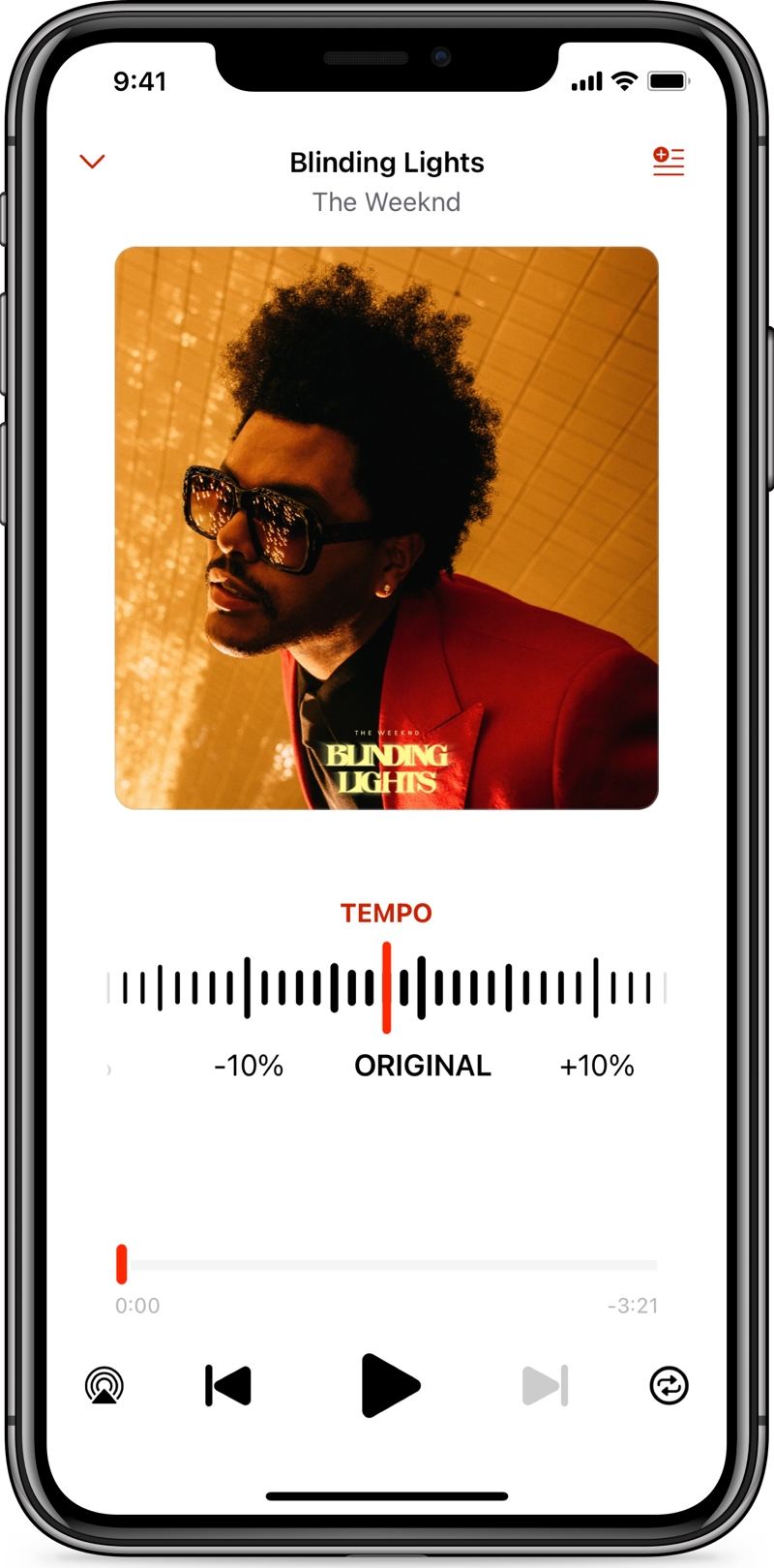
Slow down or speed up any song.

Maybe you’re trying to learn a tricky guitar riff or figure out a new dance routine.  Or maybe you want to change the speed of your favourite tracks to lock into the rhythm of your fitness workout.


Perfect Tempo lets you continuously adjust the speed of any song in the Apple Music catalog, in your iPhone Music Library or Files app to a speed that’s right for you.

Repeat. Practise. Repeat.
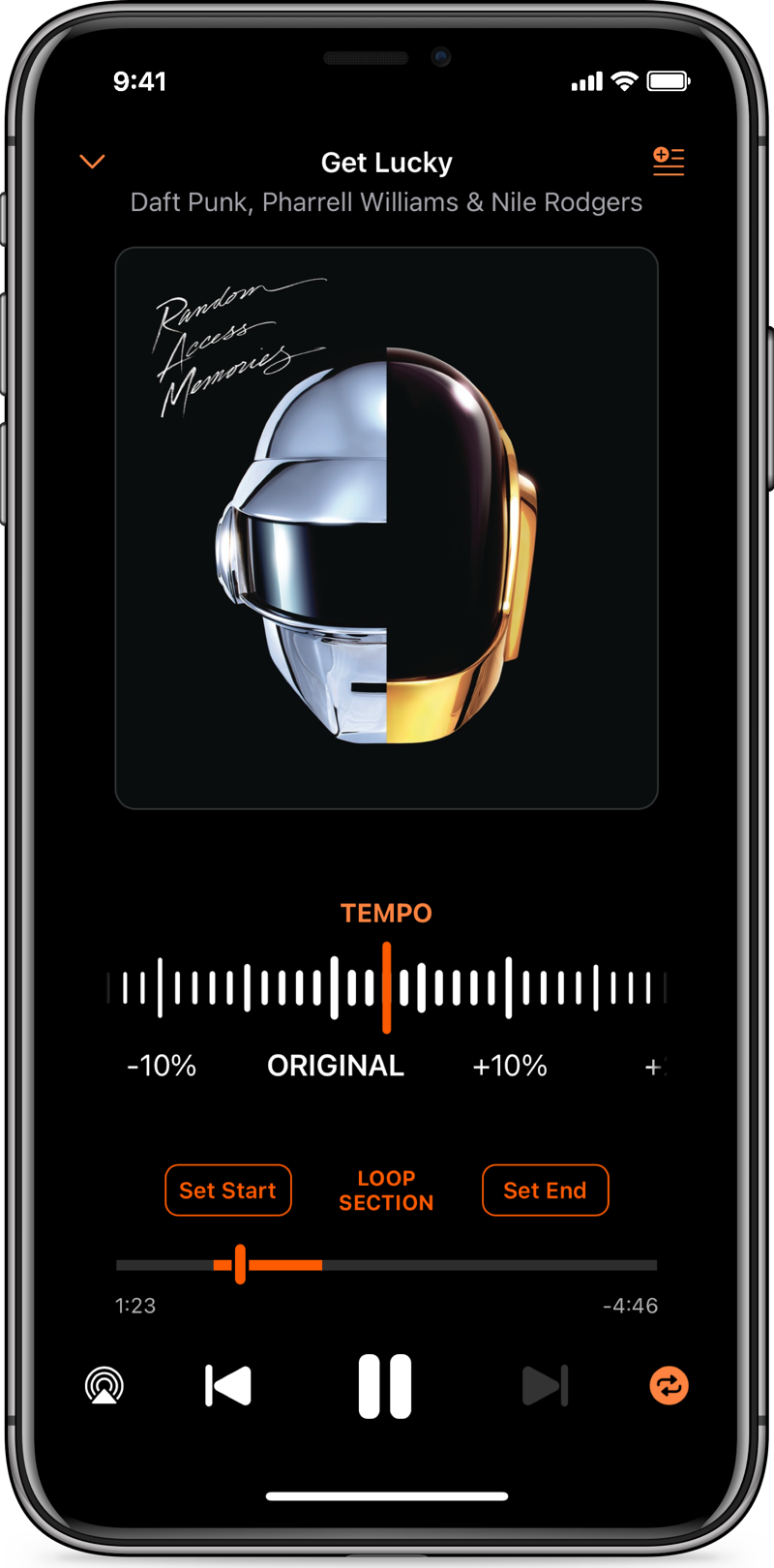
Select and loop a region of a song.

Perfect for repeatedly practising a tricky section.

100 million songs +.
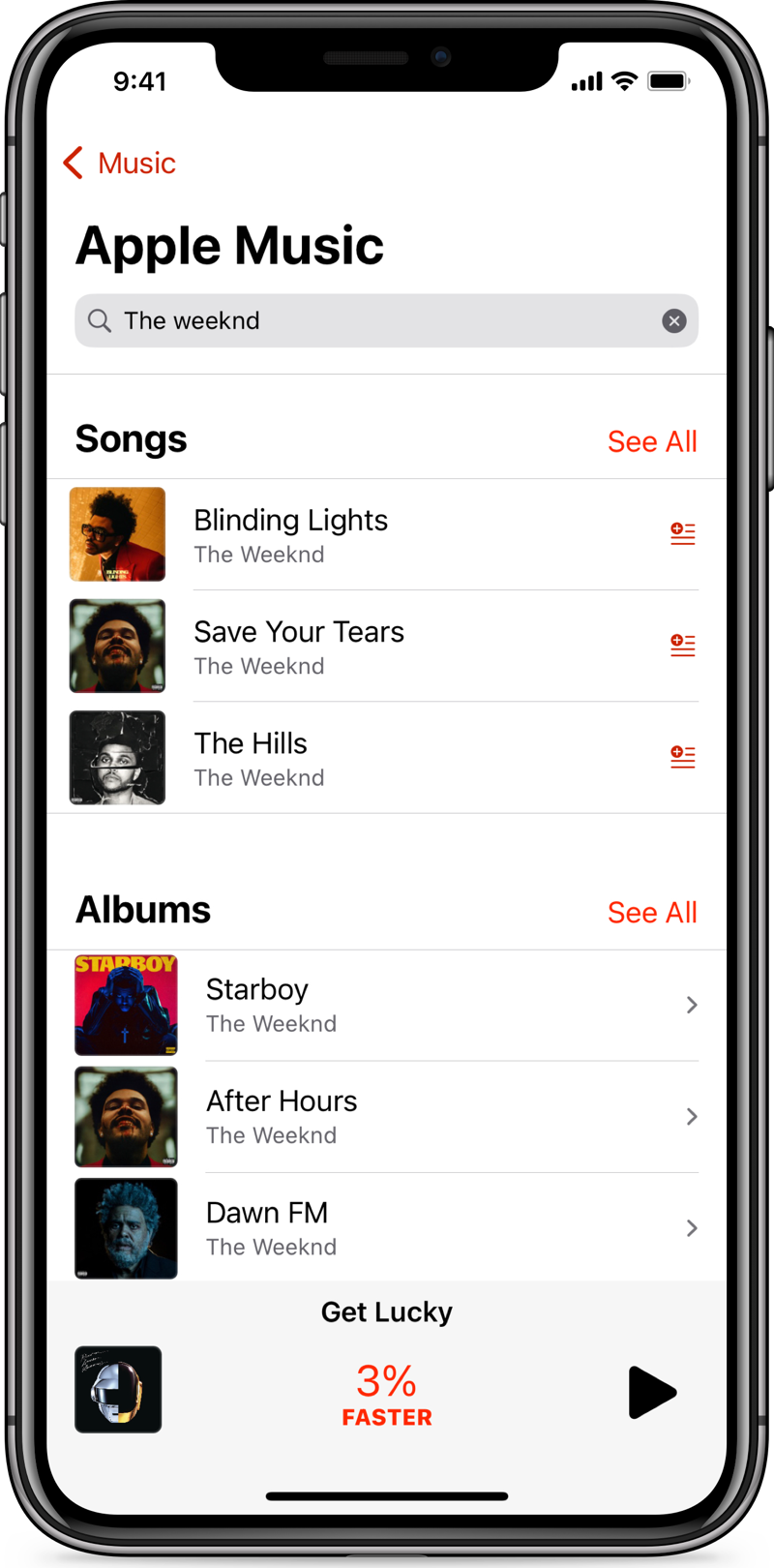
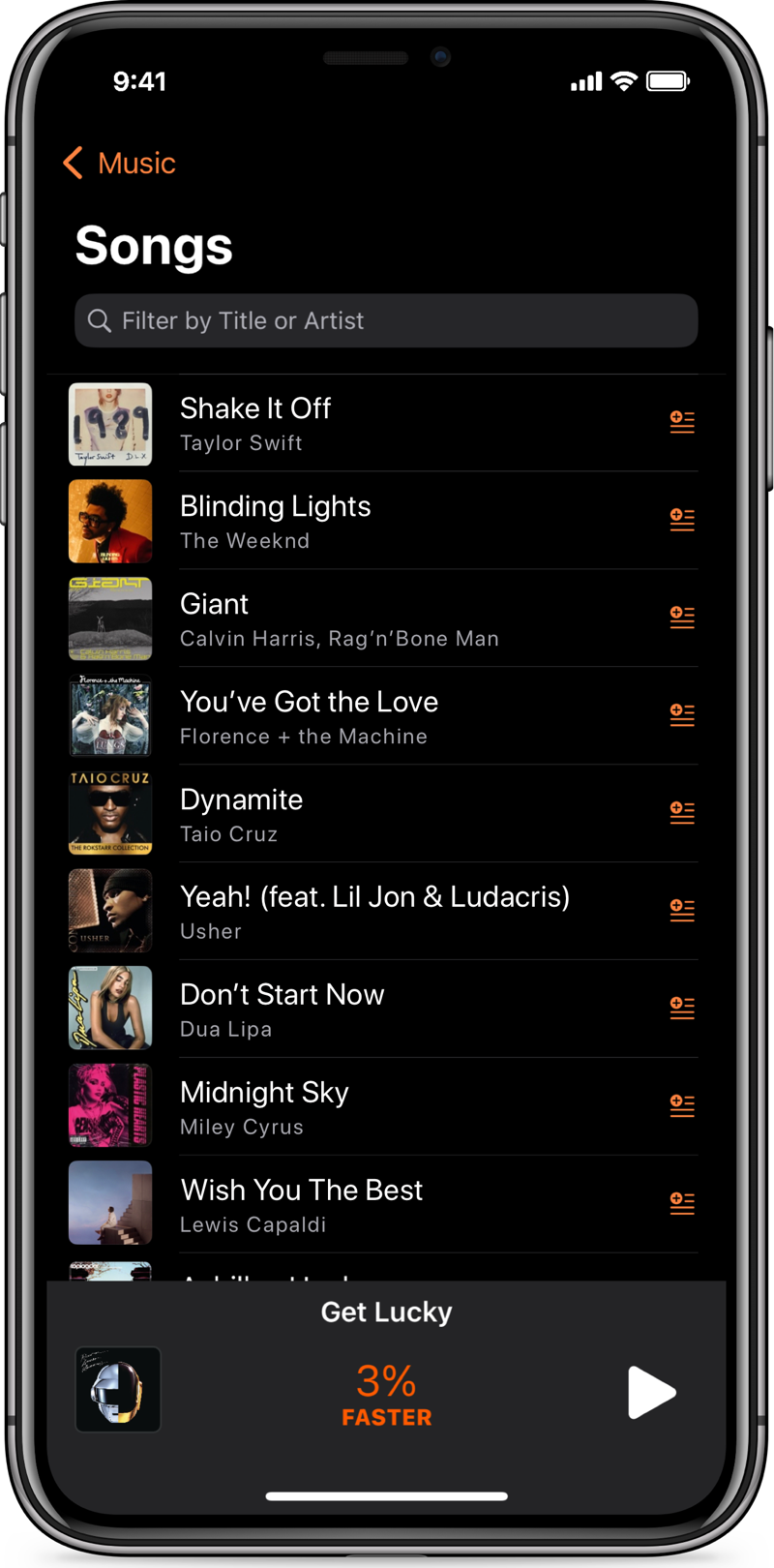
Perfect Tempo can access any of the songs, albums and playlist in your Music App library as well as importing audio files from the Files app.


And if you have an Apple Music subscription, you can search the entire catalog of 100 million songs directly from Perfect Tempo. No need to add songs to your Music app first.

Setlists.
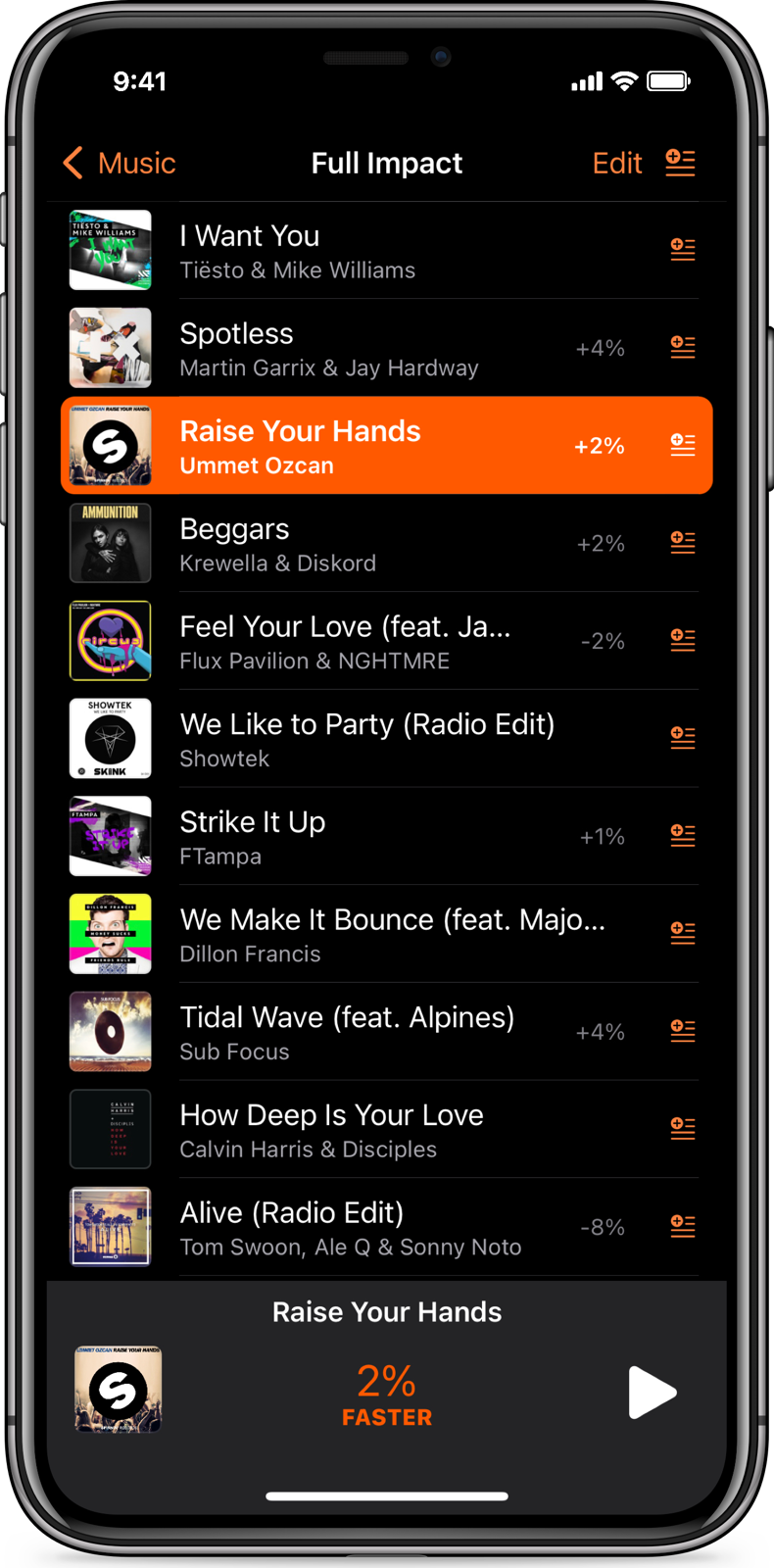
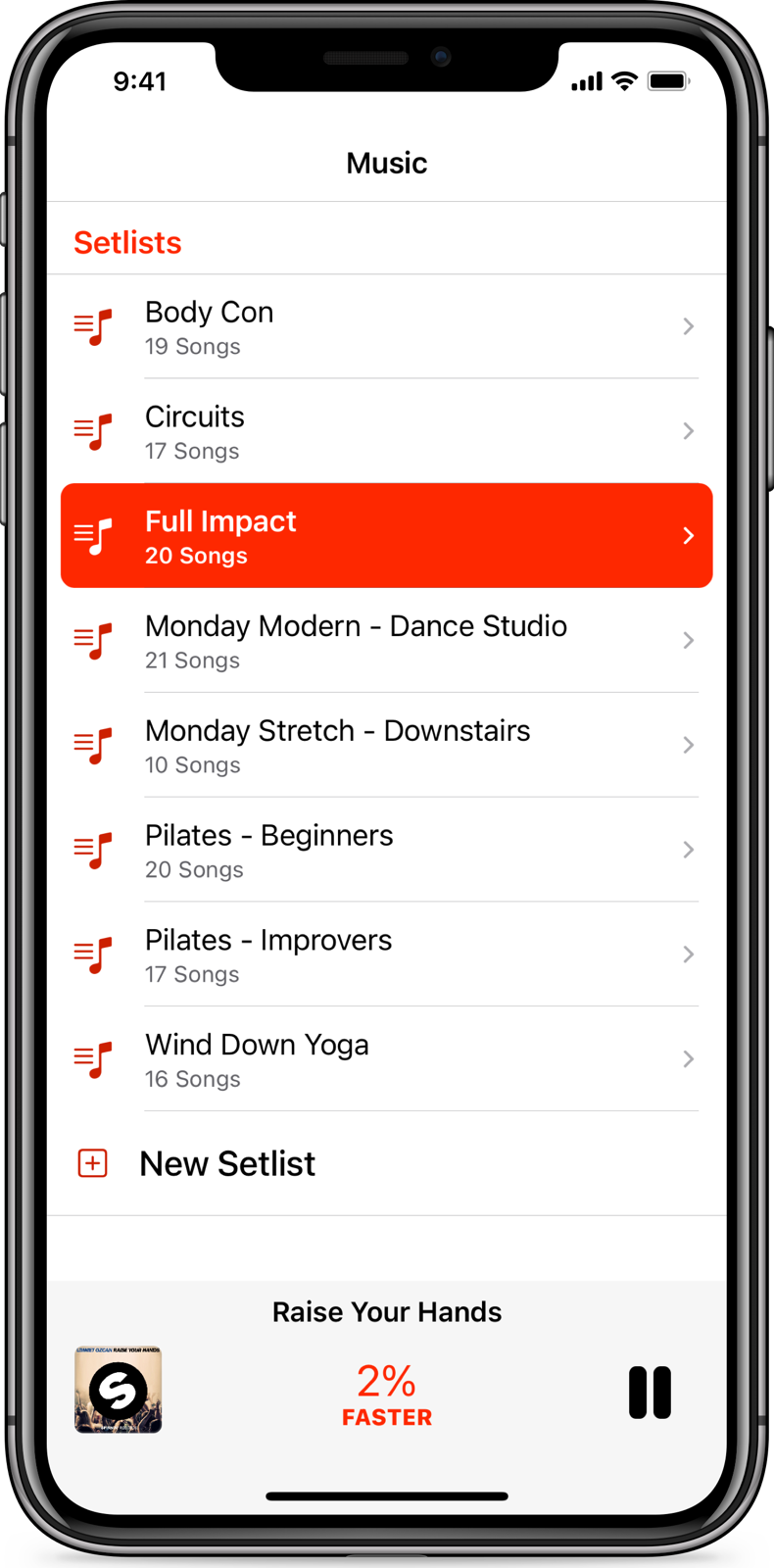
Oraganize songs into Setlists and recall different speeds for different songs. Enjoy continuous play from one song to the next so the music never stops.

Remote control.
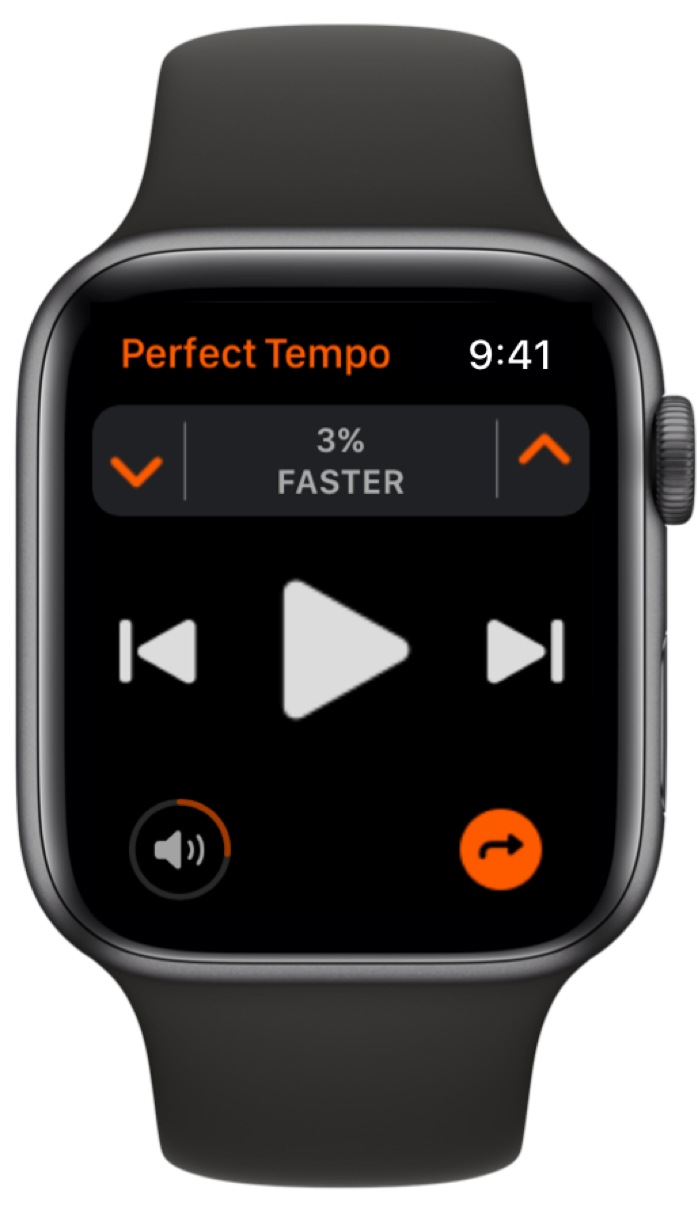
Easily control playback, tempo and volume from your wrist.

Full feature list.

PICK ANY SONG


  • Change the tempo of any song on Apple Music, in your Music app or Files app without affecting pitch or fidelity
  • Access the entire Apple Music catalog of over 100 million songs!
  • Play tracks from iCloud Drive, Dropbox and other cloud services
  • Quick access to your recently played songs


ADJUST THE TEMPO


  • A simple slider for adjusting tempo
  • Select any tempo from -50% to +100%, in 1% increments
  • Easily revert to the original tempo with just one tap
  • App will remember your chosen tempo until you want to adjust it again


CREATE SETLISTS


  • Create unlimited Setlists
  • Name your Setlists to find them easily later
  • Continuous play from one song to the next
  • Set and remember different tempos for different songs
  • Combine songs from Apple Music, your Music app and Files all in the same Setlist
  • Create Setlists from existing albums and playlists in the Music app or on Apple Music


REPEAT JUST ONE SECTION


  • Select and change the tempo of just one section of a song and then loop it to make practise easy
  • Add sections of a song to a Setlist multiple times and then play them back at different tempos


APPLE WATCH


  • Easily control playback, tempo and volume from your wrist


AIRPLAY


  • AirPlay support for output to wireless speakers or Apple TV


AND MORE


  • Support for Dark Mode
  • Change the key (transpose up or down) of locally stored DRM-free songs imported into the app or from the Music app.  (Missing the pitch controls from the last version? Re-enable them in the Settings app > Perfect Tempo. Then swipe left on the album artwork when playing a song)

Made in Scotland.

Open Planet Software Ltd. © Copyright 2026