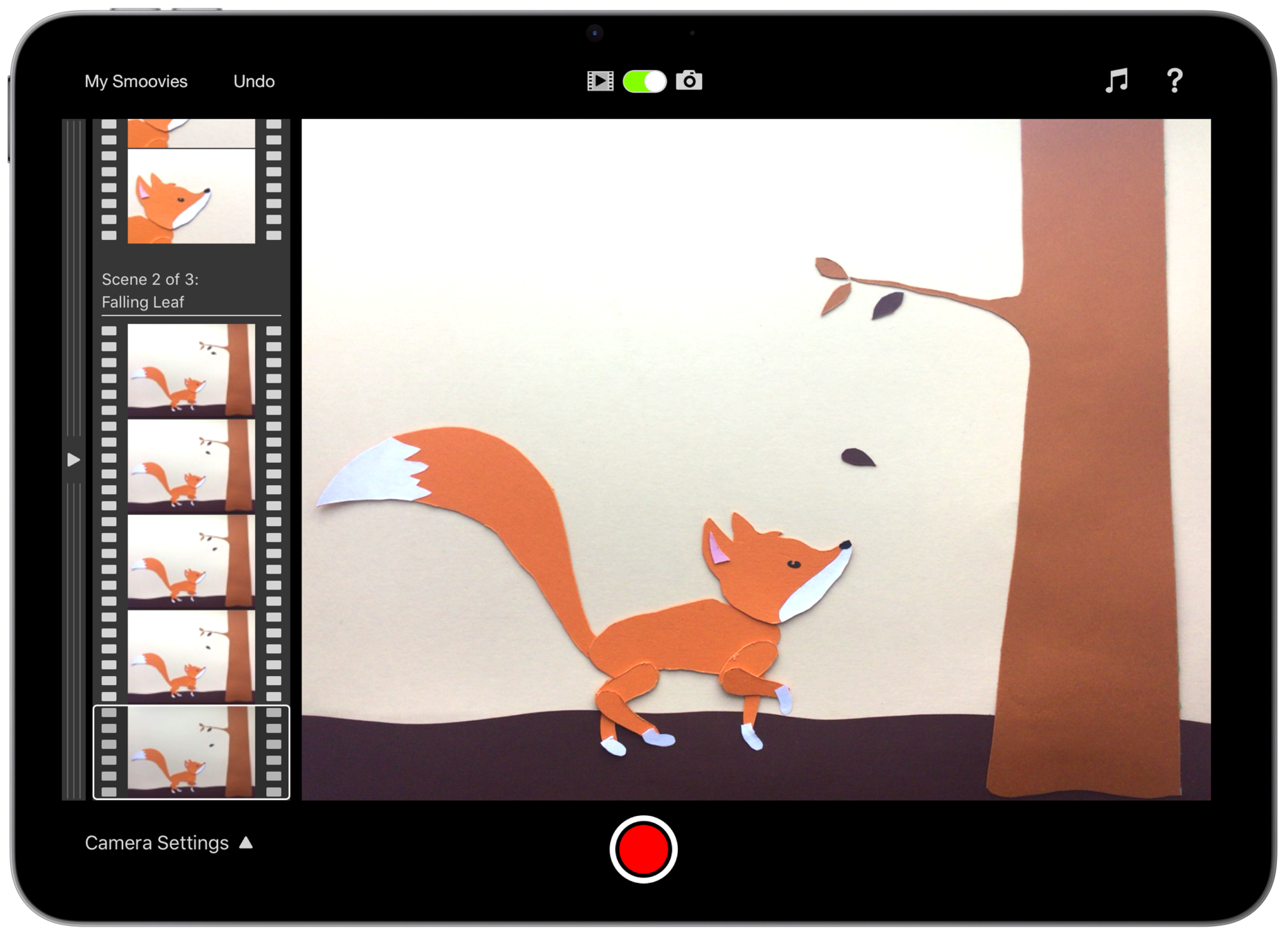
Bring your stories to life.
Smoovie is a stop motion animation app with a unique design based on the fundamental building blocks of all movies - Scenes and Frames.
Designed to make it easy for kids of all ages to tell stories in a creative way, it's perfect for making fun movies at home or as a engaging tool in the classroom. Not sure where to start? Smoovie is packed with educational resources that include lesson plans, animation techniques, printable storyboard templates and much more.
"What an amazingly intuitive and simple app. My 7 year old came to me asking to learn about stop motion animation. With 10 minutes of looking over my shoulder she took over and is in love with your app. What a great tool for creation!" - Canadian App Store Customer
"We love the app here in school! One of the most engaging and enjoyable apps out there!" - Elementary School Teacher, Ireland
"Smoovie will help you to create a lesson that your children will remember, whatever your subject." - Teacher Review, Educational App Store
Make stop motion animations in minutes with nothing more than your iPad’s camera, microphone and your imagination.
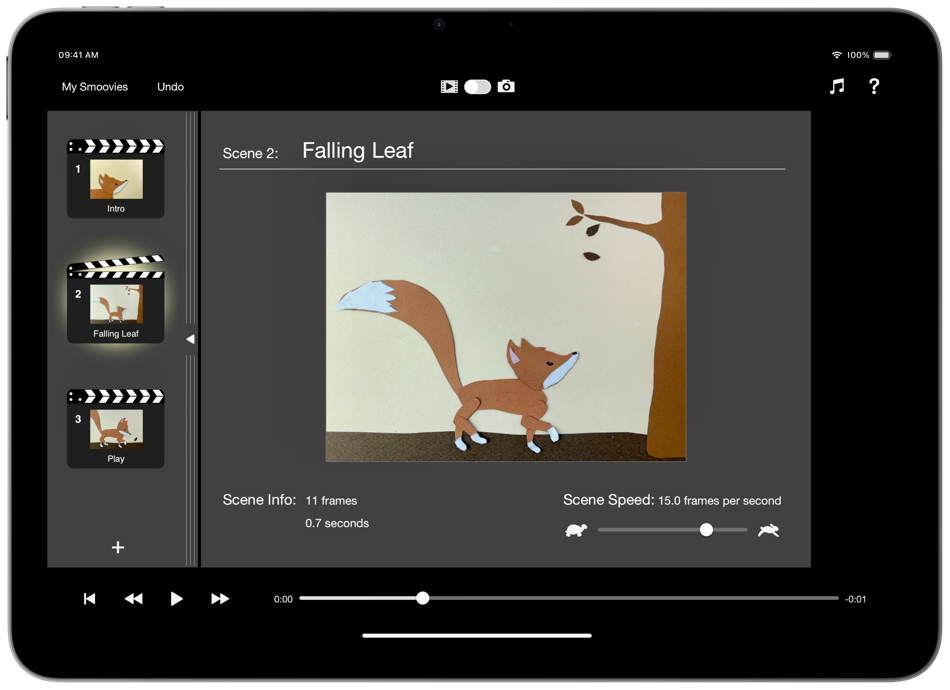
Smoovie’s elegant interface gives easy access to powerful editing options.
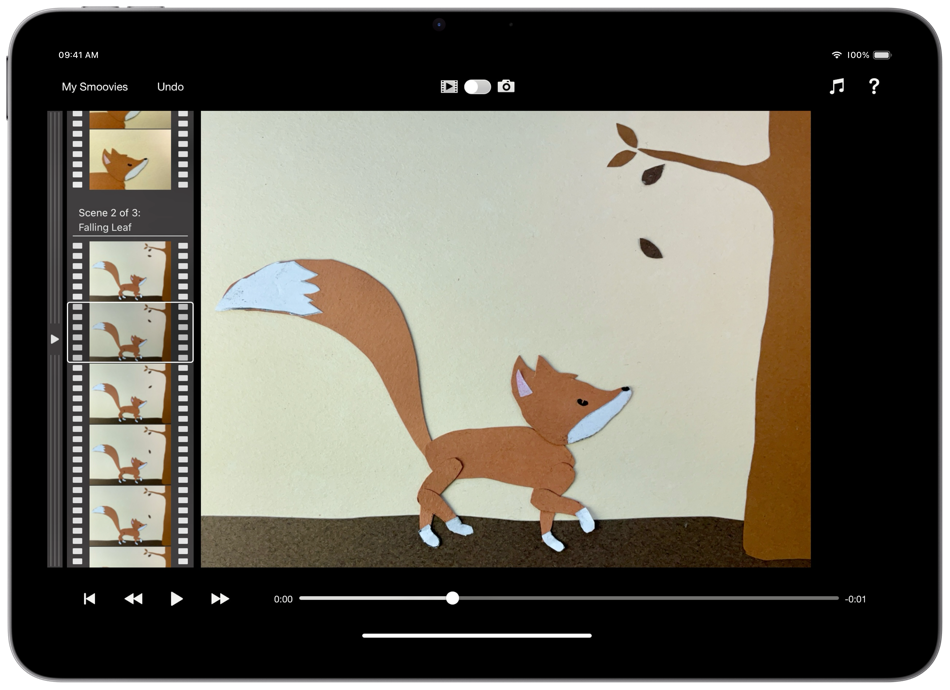
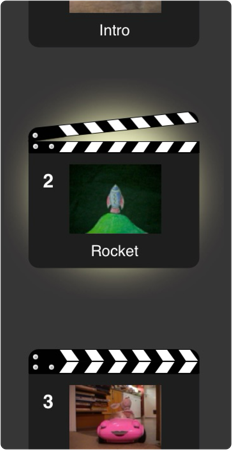
Simply swipe the scene list to the left to reveal the filmstrip where you can edit individual frames.
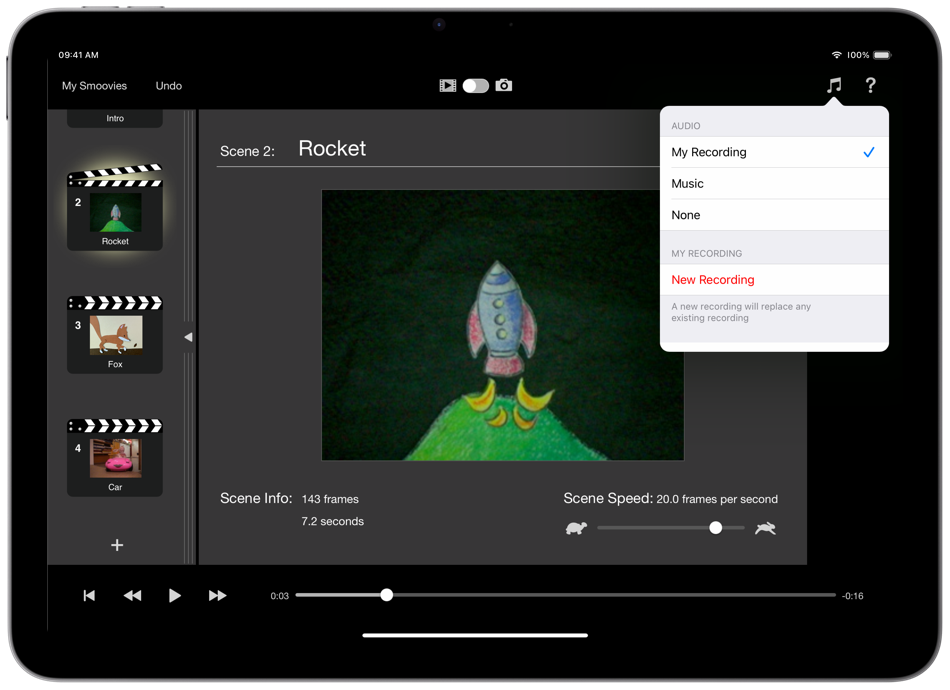
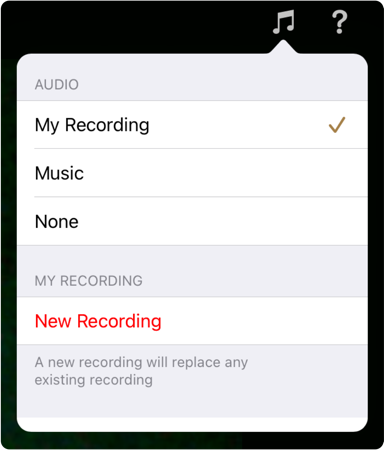
Record your own audio straight into your finished project, or pick a song from your Music library.
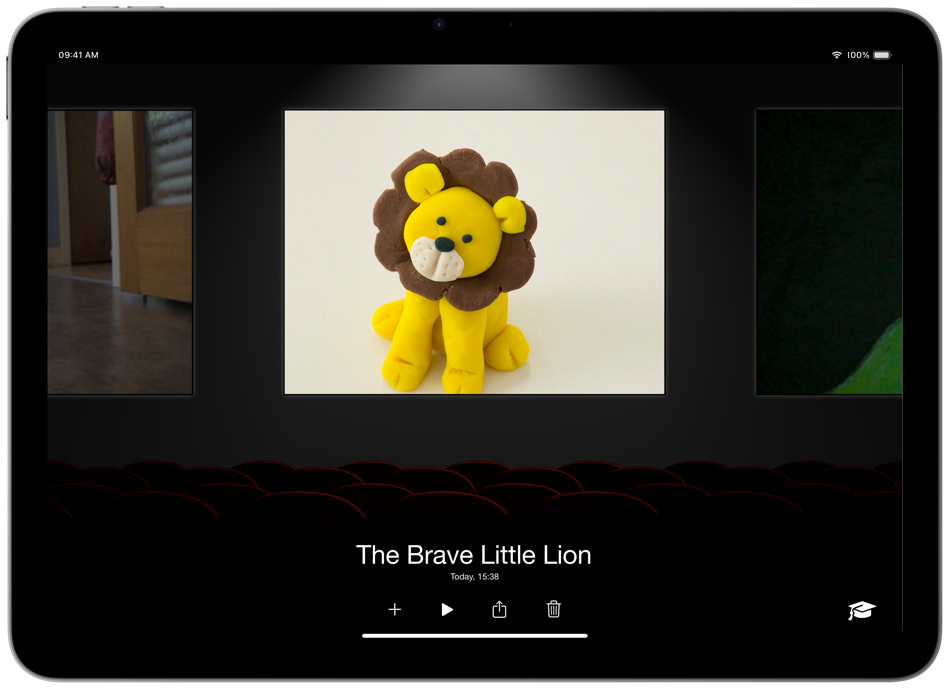
Browse through your projects and share them with the world from the Library.
Key Features.
Instant Playback
Smoovie for iPad instantly plays back what you've captured - without rendering. Rendering interrupts your creativity and fun and wastes your time. We think you deserve better and we believe Smoovie is the fastest (and most fun) app for creating stop motion animations!

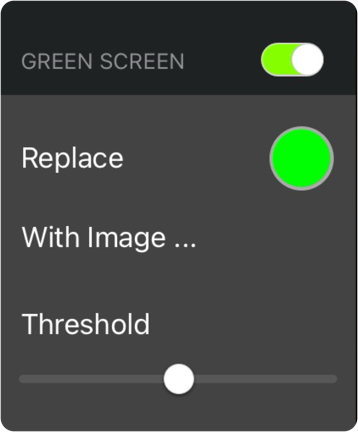
Green Screen
This magical feature lets you choose any image you like as a background to your movie. Your characters can walk on the moon, trek through the jungle or explore the bottom of the ocean … anywhere your imagination takes you. The possibilities are endless!
Scenes - tell a better story
Arrange your content in scenes. Each scene has an independently adjustable playback speed, allowing full control over the pace and mood of your animation.
Mix it up! You can add new scenes, cut, copy and paste existing scenes - all with full undo support.
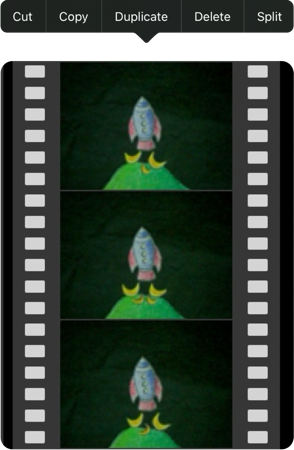
Filmstrip - precision editing
Swipe across the list of scenes and see all frames in your project. You can cut, copy and paste individual frames - with full undo support. You can drag frames from one scene to another and even copy frames from other smoovies.
Onion skinning
Onion Skinning is possibly the most important feature of a stop motion animation app. It works by making the live video from either of the iPad’s cameras semi-transparent and superimposing it onto the previous frame.
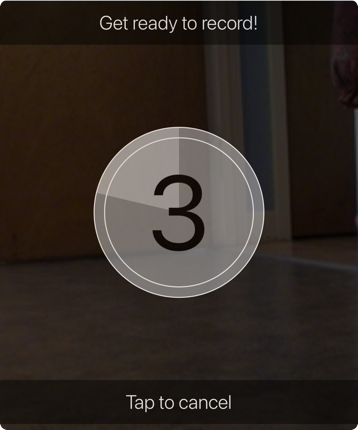
Audio recording
Record your very own audio right from within the app! Whether it’s an awesome voiceover or fabulous sound effects, audio recording lets your imagination run wild!
Add a little music
Smoovie allows you to browse the Music library on your iPad so you can choose the perfect soundtrack for your masterpiece.
Create, copy and paste - with other apps
Copy and paste works from other apps that you love. You could use pictures from the Photos app, create titles with Keynote or turn sketches from your favourite drawing app into cartoons. Simply create, copy and paste!
Even more editing power
Smoovie makes it easy to export your animations to be used as content for other apps. Write your own soundtrack in GarageBand or add some opening effects in iMovie.

Share the magic in HD
Smoovie lets you export your animations in HD to the Photos library on your iPad. And if you've got Apple TV, you can play your creations using AirPlay Mirroring.
Made in Scotland.
Open Planet Software Ltd. © Copyright 2026

